How to Print Labels Effectively at Home or Office?
Creating labels at home or in the office can seem daunting. However, effective methods exist for printing labels that can enhance organization. Many individuals face challenges when they attempt this task. Common issues include unclear printing, wasted materials, or incorrect formatting. Understanding the process is vital for achieving the desired outcome.
Consider the type of labels you need. Are they for products, shipping, or home organization? Each requires a different approach to printing labels. Choosing the right materials and printers is essential. Some printers may not handle certain types of labels well, leading to frustration. Experimenting with various techniques may also yield unexpected results.
Inaccuracy can be a frequent hurdle. You may find labels misaligned or poorly spaced. This often leads to reprinting and wasted time. Consistent practice and adjustments will improve your skills over time. Emphasizing simplicity might help, but perfection is not always necessary. Iterating and refining your method is part of the journey to effective label printing.
Choosing the Right Label Printing Method for Your Needs
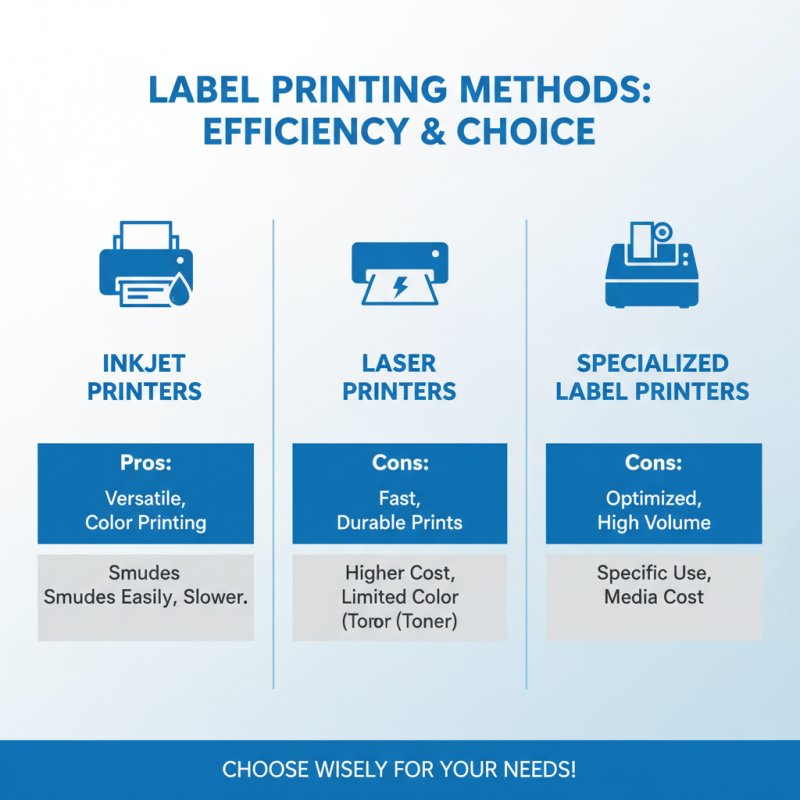
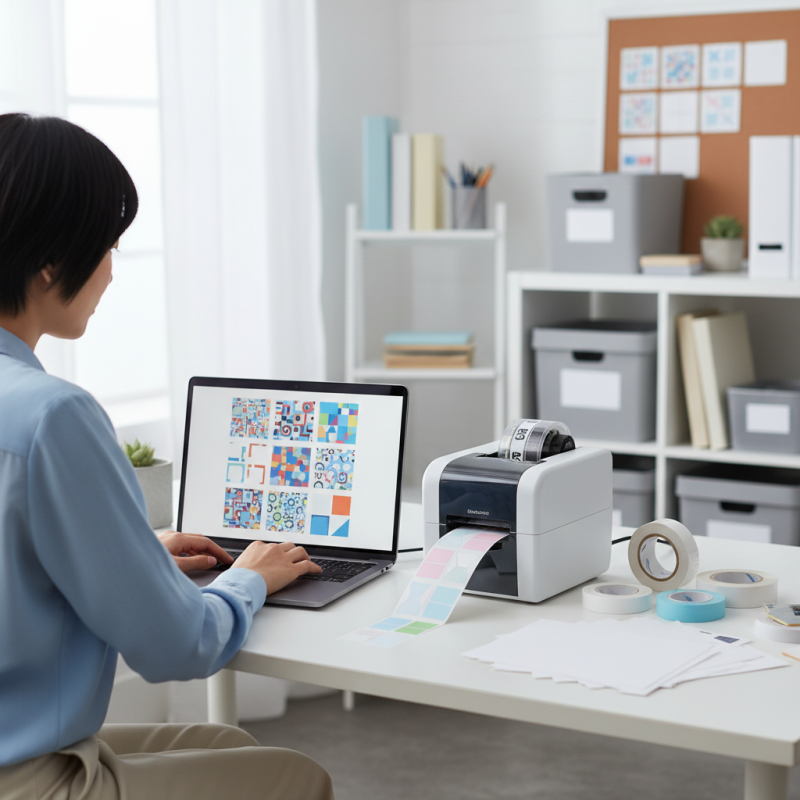
Choosing the right label printing method is crucial for efficiency. There are various options available. You can opt for inkjet printers, laser printers, or even special label printers. Each has its pros and cons. For instance, inkjet printers are versatile but can smudge. Laser printers offer fast results but may put a dent in your budget.
Consider your label needs carefully. If you print in bulk, invest in a reliable printer. A dedicated label printer may be a wise choice for frequent use. You might want simplicity over complexity. Sometimes, less is indeed more.
Tips: Always choose high-quality label sheets. They prevent jams and errors. Experiment with different formats to find what works best for you. Also, take the time to adjust printer settings. This can drastically affect the final product. Even minor tweaks can lead to better results. Don't overlook the importance of testing your labels. You may find imperfections that need correcting.
Selecting Quality Label Templates for Professional Results
Selecting the right label templates is crucial for achieving professional results at home or the office. A recent survey by the Label Industry Global Organization found that 80% of businesses report improved branding with high-quality labels. A well-designed label can enhance visibility and create a lasting impression. When choosing templates, consider layout, color schemes, and font sizes. Simplicity often trumps complexity; intricate designs might confuse the viewer.
Many users overlook the importance of proper formatting. A template that looks good on screen may not print well. According to a study by the International Journal of Printing Technology, mismatches can lead to a 25% increase in waste materials. It's vital to test your label designs on different paper types before making bulk prints. Learning from mistakes, like misaligned text or faded colors, can help refine your choices.
Evaluating your label purpose is another key consideration. For instance, labels for shipping need different qualities than those for product branding. Research indicates that 60% of consumers associate the label's aesthetics with the product's quality. If the labels do not meet those expectations, you may need to rethink your template choice. Templates should be versatile yet specific enough to suit various needs.
How to Print Labels Effectively at Home or Office?
| Label Type |
Recommended Use |
Template Suggestions |
Printing Tips |
| Shipping Labels |
For packages and parcels |
Avery 5164 |
Use high-quality printer for clarity |
| Address Labels |
Mailing and return addresses |
Avery 5160 |
Adjust margins for a perfect fit |
| Product Labels |
For packaging and branding |
Avery 8163 |
Ensure ink is dry before handling |
| Name Tags |
For events and conferences |
Avery 5395 |
Use a strong adhesive for durability |
| Barcodes |
For inventory tracking |
Avery 5163 |
Test scan before bulk printing |
Setting Up Your Printer for Optimal Label Printing
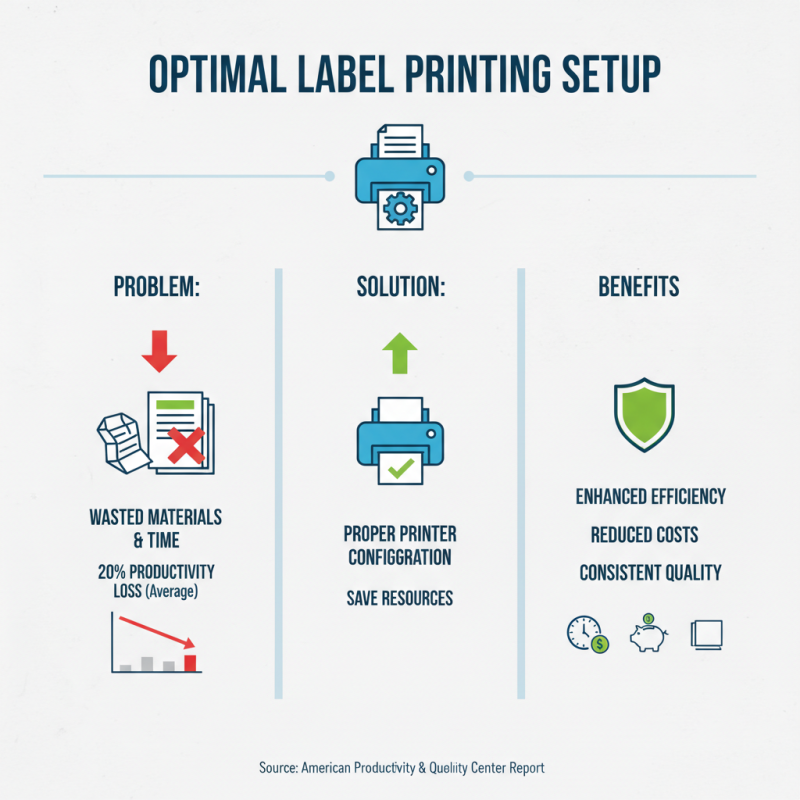
Setting up your printer for optimal label printing can dramatically enhance your efficiency. Studies show that incorrectly configured printers can lead to wasted materials and increased costs. According to a report by the American Productivity & Quality Center, businesses lose an average of 20% in productivity due to improper printing setups. Addressing this can save both time and resources.
Start by selecting the correct paper type in your printer settings. Using unsupported labels can cause misalignments. A misalignment of even one millimeter can lead to crooked labels. Additionally, check your printer's resolution settings. A standard resolution of 300 DPI usually ensures clear text and graphics. Labels printed with lower resolutions often lack the sharpness needed, making them less legible.
Moreover, ensure that your ink or toner levels are adequate. Running low can lead to faded prints, which detracts from professional presentation. Regular maintenance is also crucial. Clogged print heads can cause streaks. If you frequently find yourself troubleshooting, your setup might need reevaluation. Taking the time to configure your printer effectively can lead to a smoother label printing experience.
Tips for Aligning and Formatting Labels Correctly
When printing labels at home or in the office, aligning and formatting them correctly is crucial. Start by using
proper label templates compatible with your printer. Ensure that the dimensions match the labels in use. A small mistake can lead to
misalignment, wasting time and materials. Check the printer settings before printing.
It’s easy to overlook this detail.
Try a test print on a plain sheet of paper before using the actual labels. This step can help you catch any formatting errors. Look closely at
the margins. Are they even? Adjust if needed. Many people forget to align text or graphics properly.
A slight shift can turn a neat label into a messy one.
Consistency is key. Use the same font and size throughout the labels. This makes for a professional appearance.
However, don’t be afraid to experiment with designs. Sometimes, the best results come from trial and error. Reflect on past mistakes
to improve. Not every label will turn out perfect, and that’s okay. Each print is a learning opportunity.
Troubleshooting Common Label Printing Issues at Home or Office
Printing labels at home or in the office can be tricky. According to a 2023 report by the Printer Industry Association, more than 30% of people face issues when printing labels. Common problems include misalignment and faded prints. These can be frustrating, especially when you need accuracy.
Misalignment is often due to incorrect settings. Ensure your printer's paper size matches the label size. Many users overlook this step. A simple check can save time. In fact, a survey showed that 50% of users reprint labels because of this issue. Additionally, using low-quality labels may lead to ink smudging. It's not uncommon for people to assume all labels are interchangeable.
Print quality is another concern. Inadequate maintenance of the printer can result in bad printouts. Clean the printheads regularly to avoid this problem. Keep ink levels monitored as well. A recent study indicated that nearly 25% of label printing failures stem from low ink levels. Reflecting on these details can help identify solutions. Taking small steps can significantly improve label printing experiences at home or in the office.